

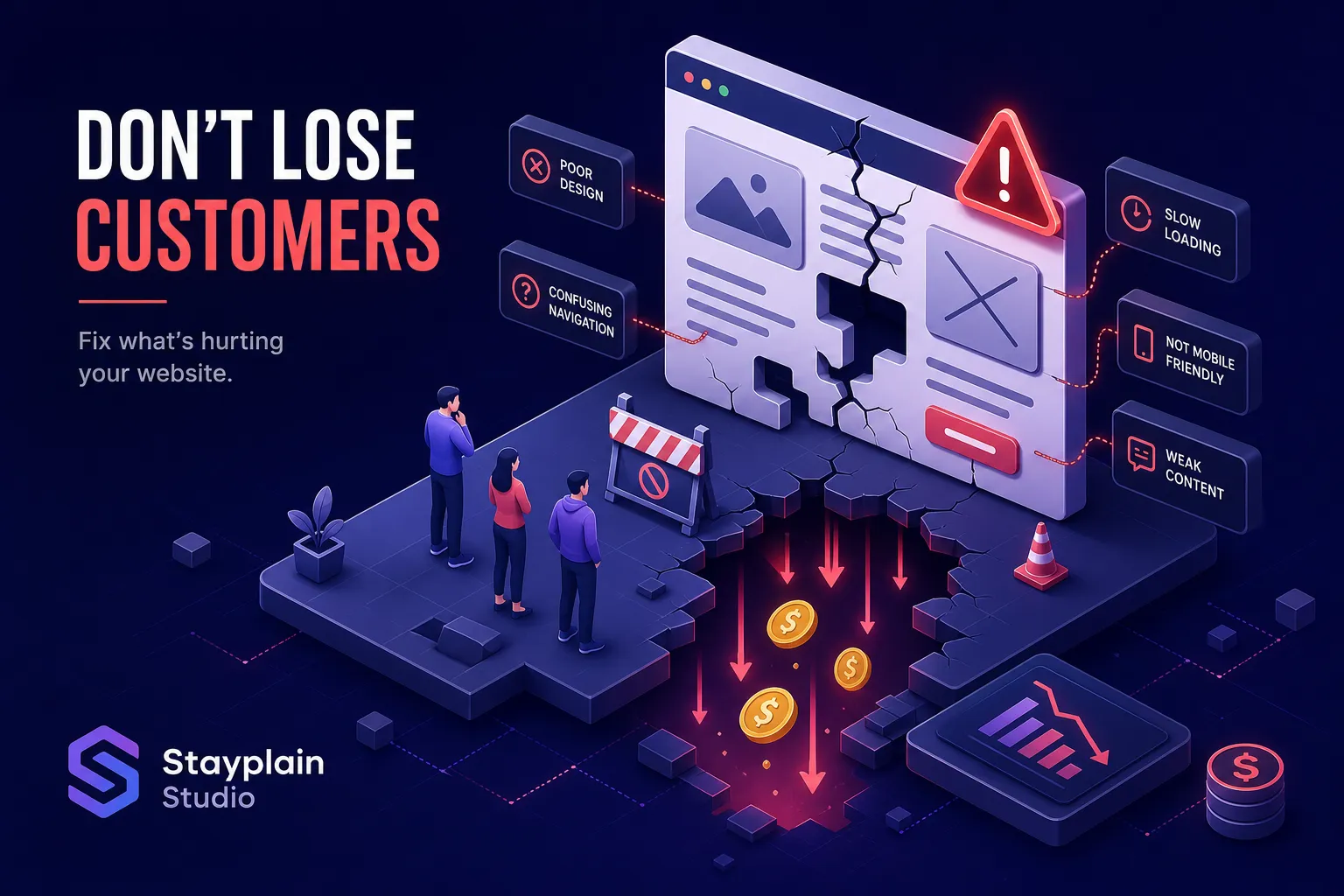

You paid for a website or spent weeks building one yourself. But the enquiries are trickling in slowly, the phone is quiet, and your traffic analytics show people leaving within seconds. That is not a marketing problem. Those are website design mistakes, and they are costing you real customers every single day.
Quick Answer: Website design mistakes are structural, visual, or technical errors that create friction for your visitors, causing them to leave before they take action. The most damaging ones include slow load speed, unclear calls to action, poor mobile usability, confusing navigation, and missing trust signals. Each mistake directly reduces your conversion rate and costs you real customers.
I'm Israel Acheampong, founder and CEO of Stayplain Studio, a web design and digital marketing agency based in Ghana. Over the past decade, our team has reviewed dozens of Ghanaian business websites, from startups in Accra to established companies in Kumasi and Tamale, and we see the same clusters of errors on nearly every site. The financial cost is real.
This article documents the 13 most common web design mistakes we encounter and gives you a clear action path to fix each one. Work through it like a checklist. Your website should be a sales tool, not a digital brochure nobody reads.
Why these website design mistakes matter more than you think
Most business owners treat a poor-performing website as a cosmetic problem. They think a fresh logo or new photos will sort things out. The truth is, every web design error on your site is a revenue problem. Every confused visitor who cannot find what they need, cannot read your page on mobile, or cannot figure out how to contact you is a lost sale.
The link between bad design and lost revenue
Design friction translates directly into visitor abandonment. According to Google's research on mobile page speed, up to 53% of mobile users abandon a page that takes longer than three seconds to load. Bounce rates on non-responsive sites can run 50% higher among mobile users compared to responsive ones. Add weak calls to action, cluttered layouts, and no visible contact details, and you have a site that actively pushes customers towards your competitors.
Most small business sites in Ghana share the same few faults
After reviewing local business websites as part of our web design work across Ghana, the pattern is predictable. Common website mistakes cluster around four core areas: speed, mobile usability, trust, and clarity. Fix those four areas and you fix most of what is holding your site back. The 13 mistakes below map directly to those clusters. If you're a smaller firm, our small business website design services are tailored to improve conversions and lead generation.
Layout and visual website design mistakes that drive visitors away (Mistakes #1, 2, 3)
Mistake #1: Cluttered layouts with no breathing room
A cluttered homepage is one of the most common web design mistakes we see on Ghanaian business sites. Too many elements, competing colours, paragraphs stacked beside photos stacked beside banners, all fighting for attention at once. The result is decision fatigue: visitors cannot tell what matters, so they leave.
The fix is straightforward. Prioritise whitespace and reduce your homepage to three essential questions: what you offer, who it is for, and what the visitor should do next. Remove everything that does not answer one of those three questions.
Mistake #2: Weak visual hierarchy
Users scan web pages in predictable patterns. When everything on a page looks equally important, nothing gets attention. A headline the same size as a subheading, a CTA button that blends into the background, body text competing with pull-quotes, all of these destroy your ability to guide the reader's eye towards action.
Use size, weight, contrast, and placement to establish a clear reading path. Your main headline should do the heaviest lifting. Everything else on the page should support it, not compete with it.
Mistake #3: Missing or unclear calls to action
If visitors cannot immediately see what to do next, they will not do anything. Vague buttons like "Click here" or "Submit" are conversion killers because they give the visitor no reason to act. Specific, benefit-driven CTA copy removes the guesswork and increases click-through rates, conversion research consistently shows improvements of 10, 30% when vague CTAs are replaced with action-oriented alternatives.
The table below shows the difference between weak and strong CTA copy for service businesses:
| Weak CTA Copy | Strong CTA Copy |
|---|
Use the formula: action verb plus specific benefit. Every button on your site should tell the visitor exactly what they get when they click it. For Ghanaian service businesses especially, where trust is built through clarity, this distinction matters enormously.
Speed and performance website design mistakes that silently kill conversions (Mistakes #4, 5)
Mistake #4: Slow page load speed
Slow sites lose customers before those customers even see your content. Up to 40% of users abandon a site that takes more than three seconds to load; on mobile, that figure rises to 53%, per Google's page speed research. Site speed problems compound quickly: Google's data also indicates that a 10-second load delay can increase bounce rate by over 100%. For a small business site, that is an enormous amount of wasted traffic.
The most common causes are oversized images, render-blocking scripts, cheap shared hosting, and too many installed plugins. Fix these in order: measure your current speed with Google PageSpeed Insights, compress all images, enable caching, remove unused plugins or apps, and defer non-critical JavaScript. For WordPress sites specifically, a caching plugin and image optimisation plugin alone will usually produce an immediate improvement.
Expert Insight: Speed is not a technical detail, it is a business decision. Studies show that even a one-second delay in load time can reduce conversions by up to 20%. Build performance in from the start; retrofitting it is far more costly.
Mistake #5: Unoptimised images and media assets
Uncompressed images are one of the easiest performance problems to fix and one of the most commonly ignored. A single homepage hero image uploaded at several megabytes can single-handedly push your load time past the three-second threshold. This is entirely avoidable.
Compress images before uploading them, switch to modern formats like WebP where your platform supports it, and enable lazy loading for any media that sits below the visible screen area. At Stayplain Studio, every website we build is assigned a performance budget from day one, images, scripts, and third-party tools are evaluated and approved before the site goes live, not after it is already slow.
Mobile responsiveness errors frustrating most of your visitors (Mistakes #6, 7)
Mistake #6: Non-responsive layout design
Ghana's internet usage is overwhelmingly mobile-first. If your site was designed for a desktop screen and loads on a phone with distorted text, overflowing columns, and buttons too small to tap, you are handing your mobile visitors directly to your competitors. Responsive redesigns can reduce bounce rates by up to 50% among mobile users, not a marginal improvement, but a fundamental shift in how many visitors stay long enough to contact you.
Ensure your theme or template is fully responsive and test it across multiple screen sizes before and after making any design changes. A site that looks fine on your laptop may be completely unusable on a low-cost Android device common among Ghanaian users.
Mistake #7: Poor mobile UX beyond just responsiveness
A responsive site and a usable mobile site are not the same thing. Tiny tap targets, contact forms that require zooming to fill in, and full-screen pop-ups that block content on a phone screen all destroy the mobile experience even on a technically responsive layout.
Follow platform-recommended tap target sizes, Apple's Human Interface Guidelines suggest a minimum of 44 points, and W3C accessibility guidance aligns closely with this. Simplify contact forms to only the fields you genuinely need, and disable intrusive pop-ups on mobile entirely. Our website design services are built mobile-first by default, because that is where the majority of your visitors are coming from.
Navigation and structure mistakes that confuse and lose users (Mistakes #8, 9)
Mistake #8: Overloaded or poorly labelled navigation menus
A navigation menu with twelve items forces every visitor to make too many decisions before they have even started exploring your site. Add vague labels like "Solutions" or "Resources" and you compound the problem: visitors are now guessing what each option contains. Research from Clutch's usability studies indicates that 50% of visitors will leave a site when they cannot figure out where to go next, a direct result of poor navigation design.
As a well-established UX heuristic, limiting your top-level navigation to five to seven items keeps decision-making manageable. Use plain, descriptive labels that reflect how your customers actually think about their needs. "Website Design," "SEO Services," and "Contact Us" will always outperform "Our Offerings," "Digital Solutions," and "Get in Touch."
Mistake #9: Site structure built around the business, not the customer
This is one of the less obvious web design mistakes, but it is extremely common. The site is organised around how the owner thinks about their own business, not around what customers are looking for. An About Us page is buried, pricing is nowhere to be found, and services are listed in the order that makes sense internally rather than by what customers actually search for.
Map your site structure to customer journeys. Key pages should be reachable in two clicks from your homepage. At minimum, every small business site should surface these immediately:
- What you do and who you serve (homepage)
- Individual service pages for each core offering
- Pricing or a clear starting-point for cost conversations
- Testimonials or portfolio evidence
- A simple, prominent contact page
Trust and credibility gaps that stop visitors from buying (Mistakes #10, 11)
Mistake #10: No social proof, reviews, or testimonials
Visitors make decisions faster when they see that other people have already trusted your business. Without testimonials, case studies, or client logos, you are asking a stranger to take a risk on you with no evidence that you can deliver. That is a significant conversion barrier, especially for service businesses where the customer cannot see the product before buying.
Add real client testimonials with names and photos where possible, and place them near your calls to action, not just at the bottom of a separate page. Our web design portfolio includes projects across NGOs, health clinics, solar energy companies, and foundations, giving prospective clients a clear picture of the quality and range of work we deliver. Our client case studies go deeper, showing specific outcomes like SEO authority improvements and traffic growth, the kind of evidence that builds confidence before the first conversation.
Mistake #11: Missing or hard-to-find contact information
If visitors want to reach you and cannot easily find your phone number or address, they will leave. Not because they are impatient, but because a business that is hard to contact feels untrustworthy. This is one of the most damaging website usability issues precisely because it is so easy to fix.
Place your contact details in both the header and the footer. Add a "Contact Us" link in your main navigation. Keep your contact form short: name, phone or email, and a brief message field is enough to start a conversation. For Ghanaian businesses, a WhatsApp click-to-chat button can meaningfully reduce friction and increase enquiries by making it effortless for a visitor to start a real conversation the moment they are ready. A free website audit offer placed near your contact form gives hesitant visitors a low-risk first step.
SEO and content structure mistakes that make your site invisible (Mistakes #12, 13)
Mistake #12: Missing SEO foundations in the site structure
Many business owners think of SEO as something you add to a website after it is built. The reality is that the most important SEO work happens inside the design and build itself. Missing H1 tags, duplicate or empty meta titles, images with no alt text, no internal linking structure, these are structural web design errors that prevent your site from ranking, regardless of how much content you publish.
Use a proper heading hierarchy on every page (H1 for the main topic, H2 for sections, H3 for subsections). Write unique meta titles and descriptions for every page, not just the homepage. Add descriptive alt text to every image. If you are unsure whether your site has these foundations in place, our SEO services in Ghana include a full structural audit as part of every engagement.
Expert Insight: SEO-optimised web design and good UX are the same thing viewed from different angles. A page structured clearly for human readers is usually structured clearly for search engines too. The two goals reinforce each other.
Mistake #13: Generic, vague, or keyword-free page copy
If your homepage says "We provide quality services to our valued clients," Google has no idea what to rank your site for, and your visitors have no reason to trust or contact you. Vague copy is one of the most overlooked website conversion killers because it feels professional on the surface while doing nothing useful underneath.
Write specific, benefit-driven copy that names who you serve, what problem you solve, and where you are based. "We design conversion-focused websites for small businesses in Accra and Kumasi" is infinitely more useful than "We deliver digital excellence." This is where SEO-optimised web design and clear messaging intersect: good copy helps you rank and helps you convert at the same time. At Stayplain Studio, copy strategy is built into every website project from the brief stage, not added as an afterthought once the design is done.
How a professional web design agency avoids these pitfalls from day one
Fixing web design errors after launch is expensive. It costs money to rebuild pages, rewrite copy, restructure navigation, and resolve performance issues on a site that was built without these considerations. More importantly, it costs you the revenue you lost while the broken version was live. The smarter move is to build correctly from the start.
What "built right from the start" actually looks like
At Stayplain Studio, every website we build is engineered with four non-negotiables: performance, mobile-first design, SEO structure, and conversion-focused layout. These are not add-ons, they are part of the build process from the first wireframe. When we built sites for clients like Limitless Hope Foundation, Health Haus Holistic, and Grandmall Solar Company, the brief always started with the same question: who needs to find this site, and what do they need to do when they get there? We operate as a full-service website development company in Ghana handling design, development and SEO.
The outcomes have been consistent. Clients who previously had no web presence or low visibility have reported meaningful increases in online traffic and customer enquiries after launching with us. You can see examples of this work on the Stayplain Studio portfolio page and review our approach in detail on our best web design company in Ghana page.
The cost of fixing a broken site versus building one right
A website redesign on a site carrying all 13 of the mistakes above costs significantly more in time and money than commissioning a properly structured build from the beginning. You pay to undo bad work before you can do good work. Factor in the revenue you lost during the months the broken site was live, and the true cost becomes even clearer.
If you are weighing up your options, our website design prices in Ghana page gives you a transparent starting point for the conversation. You can also compare our Top Affordable Website Design Packages if budget is a primary concern. If you already have a site and want to know which of these 13 mistakes it is making, the easiest next step is to request a free website audit. We will tell you exactly what is working, what is not, and what to prioritise first, no sales pressure, just a clear picture of where your site stands.
For businesses that need both a stronger website and better local search visibility, our local SEO services in Ghana and our website redesign services are built to work together as a complete growth system rather than isolated fixes.
These 13 website design mistakes are not matters of taste or style preference. They are business problems with measurable costs attached. Slow pages, confusing menus, missing testimonials, and vague calls to action are all losing you real customers who landed on your site and left without getting in touch.
Start by auditing your site against this list. Prioritise fixes in this order: speed and performance first, mobile usability second, trust signals and contact visibility third, then navigation and SEO structure. If the problems run deep, rebuilding on a solid foundation will return more value faster than patching a site that was never built with these considerations in mind.
Request a free website audit from Stayplain Studio and get a clear, honest assessment of which common website design mistakes your site is currently making. We will show you exactly what to fix and in what order.
📲 Chat with us on WhatsApp for a quick response, or fill in the form below to get started.